Small emojis. Big stories.
Photo From Emoji
Turn a favorite photo into emoji art, right in your browser.
Create emoji portraits, pet art, mosaics and posters without sending your photo to a server.
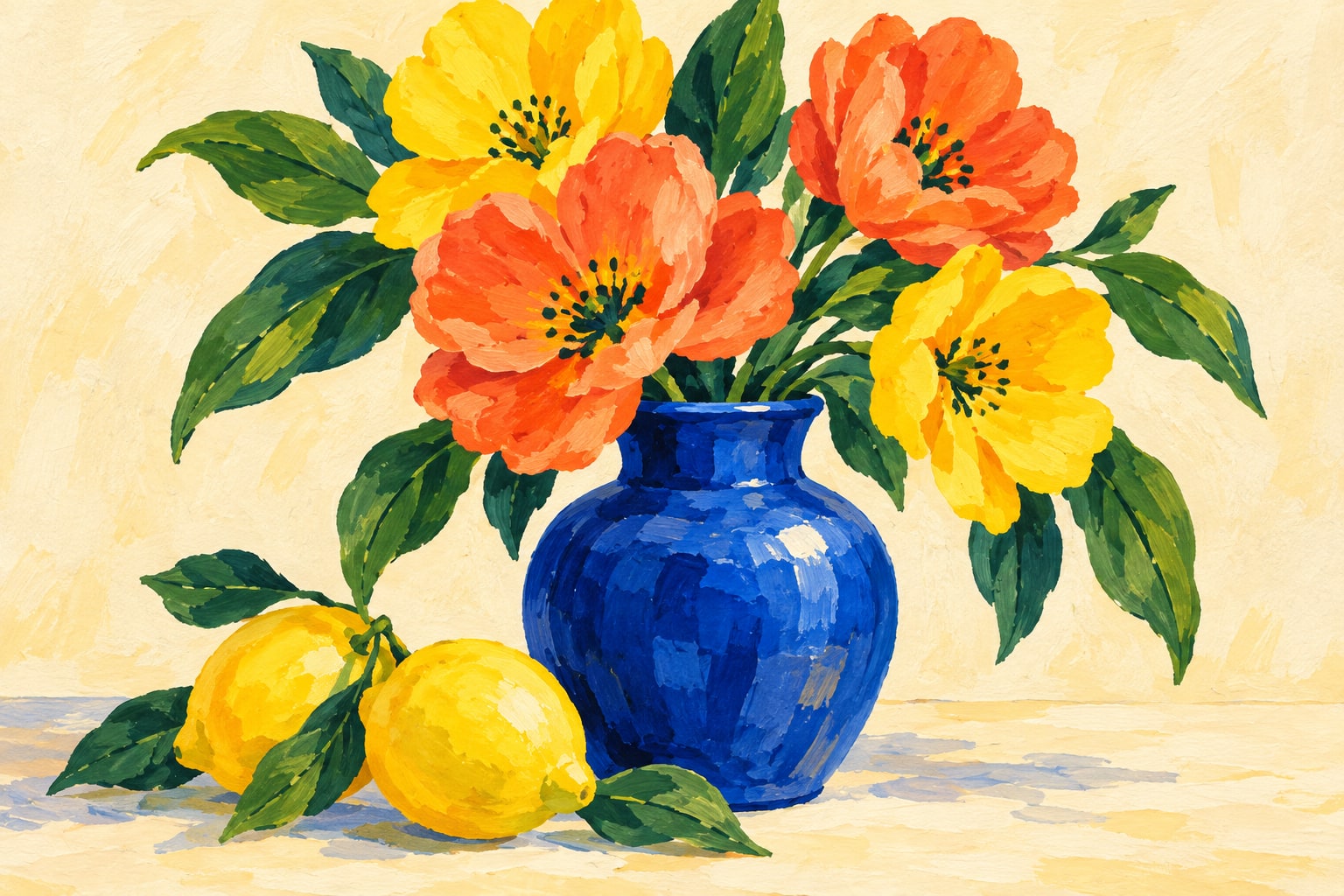
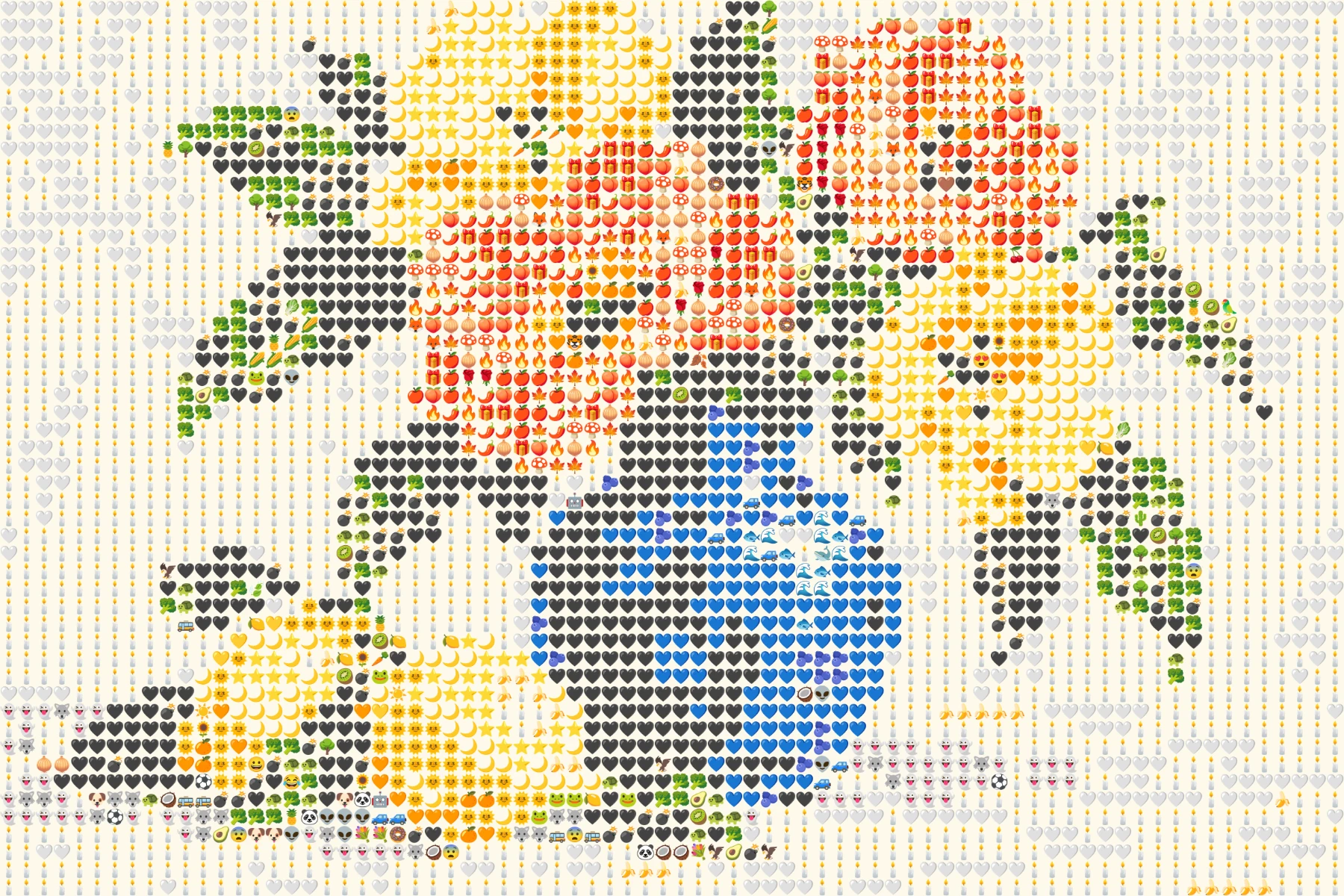 OriginalEmoji art
Create your own
Make it yours
Choose a photo and make emoji art right in your browser.
No photo? Try one of these.
JPG, PNG, WebP · Max 10 MB · No photo upload
Your result
PNG · No watermarkStyle
No watermark. Saved directly from your browser.
Conversion happens on your device. Your photo bytes never reach our server.
Make as many emoji images as you like. No account or hidden fee.
Download a clean PNG for your own projects.
Make it yours
Same photo. More ways to play.
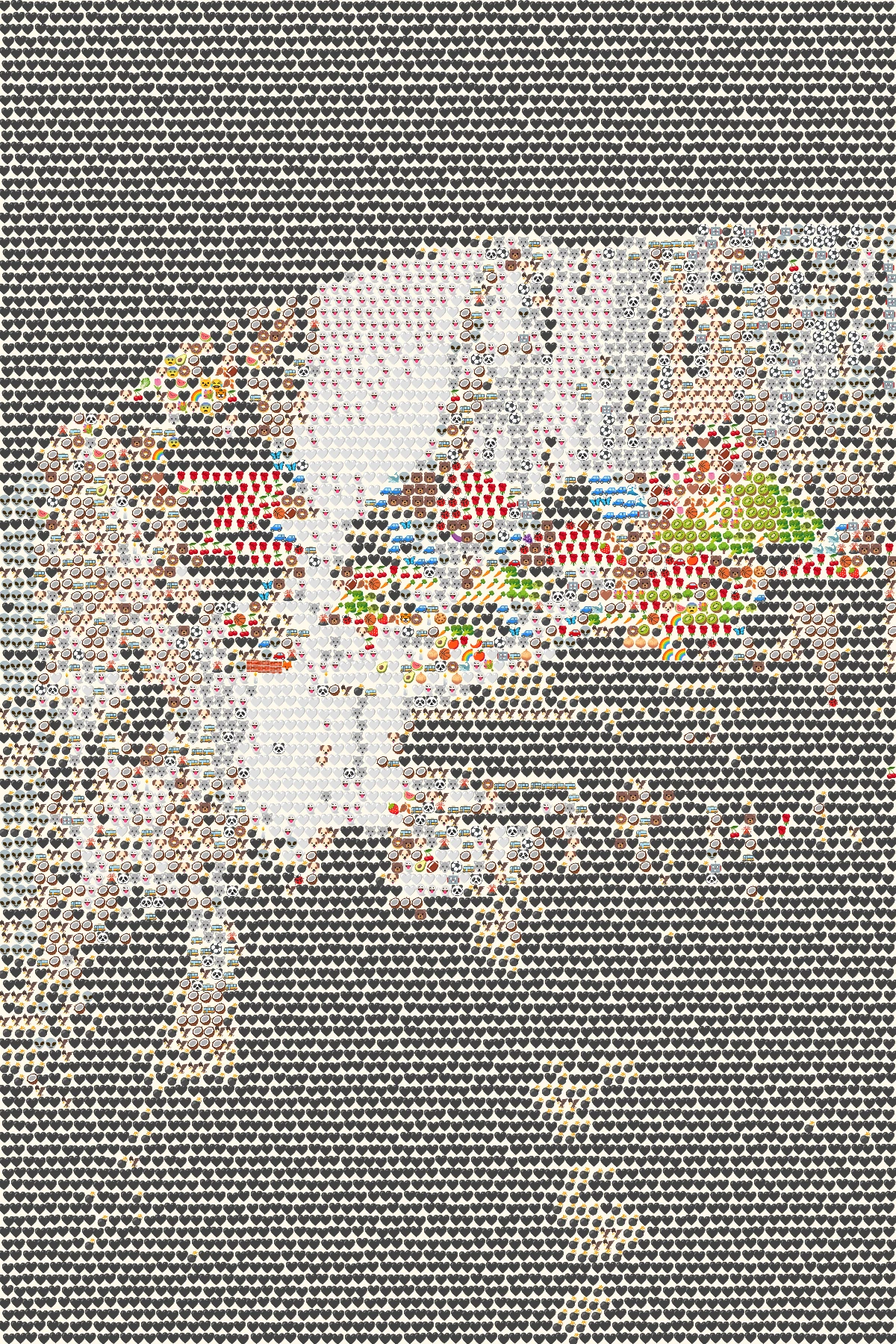
Originals, reimagined with emoji.
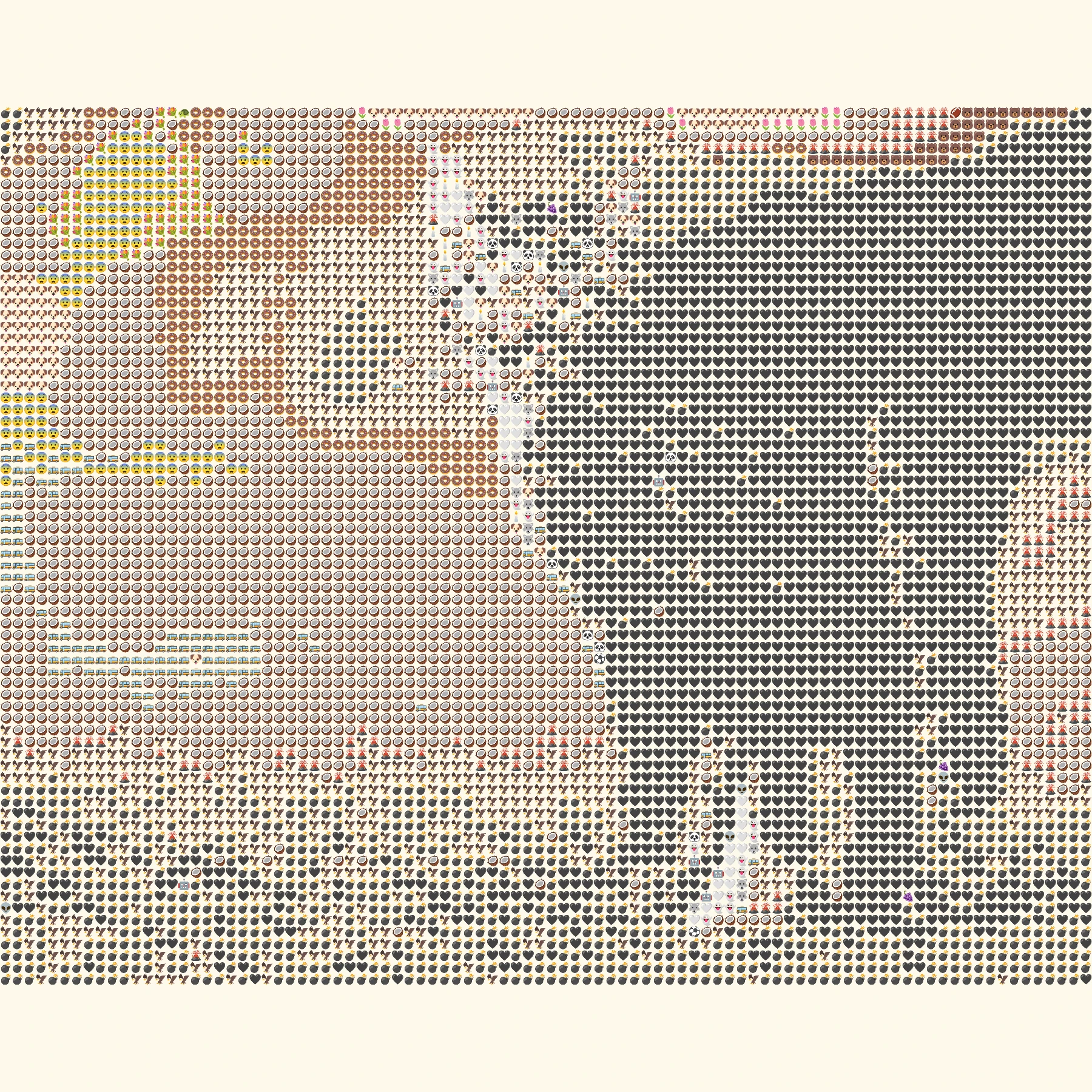
These before and after pairs were made with the same browser generator you can use above.
OriginalEmoji artGrid, detail 3, original proportions. Bold flowers and the blue vase stay readable in tiny symbols.
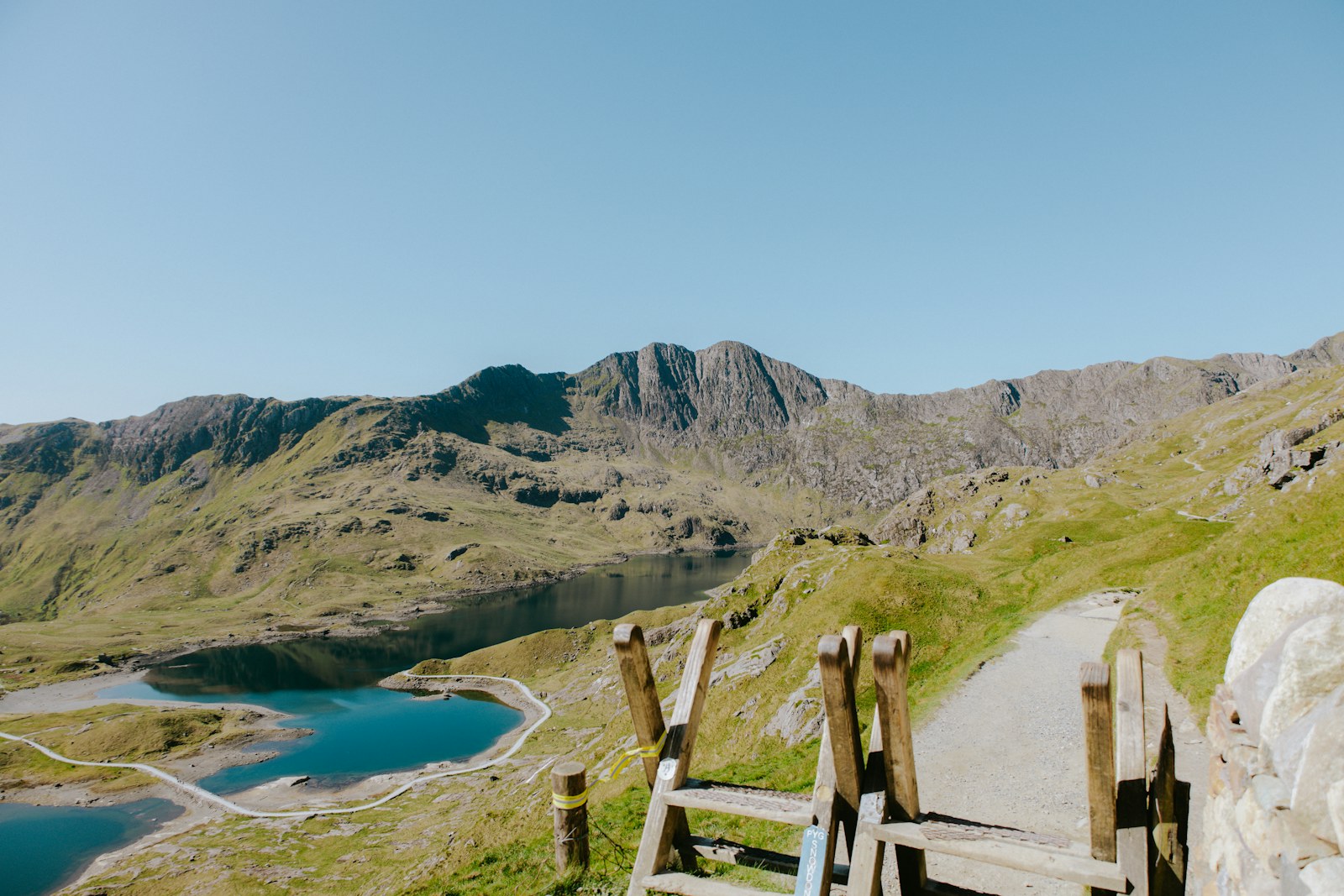 Original
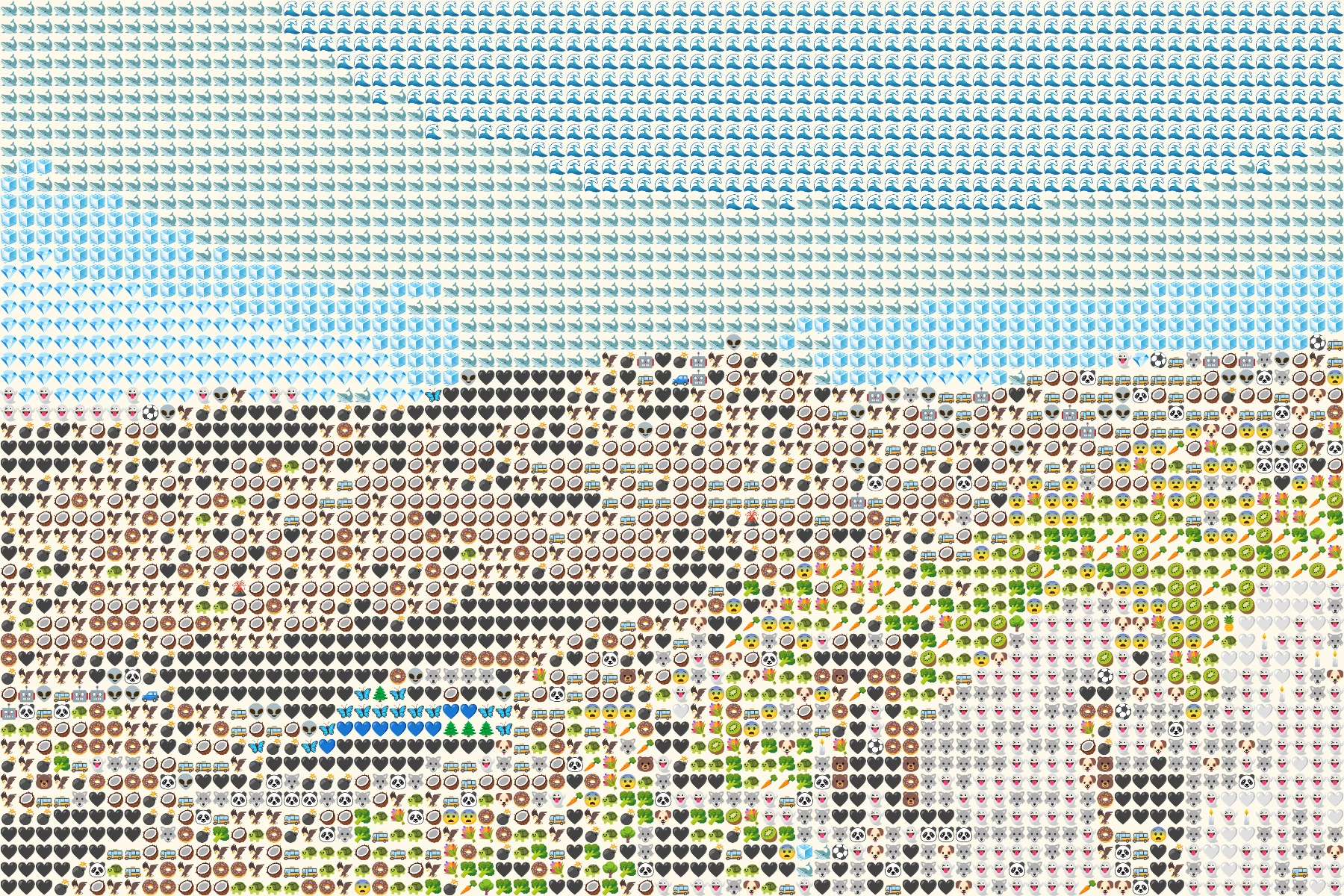 Emoji art
Grid, detail 3, original proportions. The mountains and water retain their broad shapes.
More ways to create
Same photo. More ways to play.
 Original
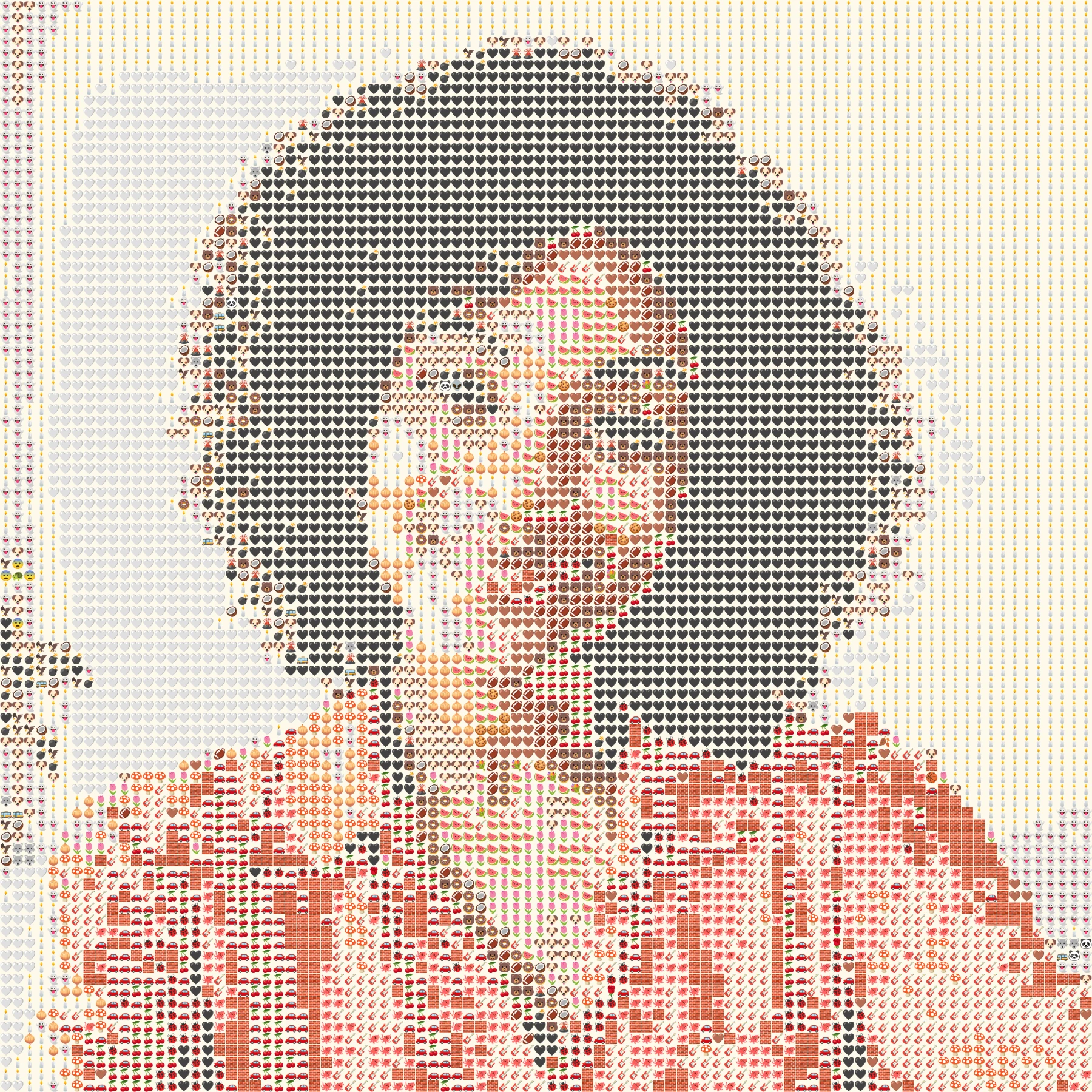 Emoji art
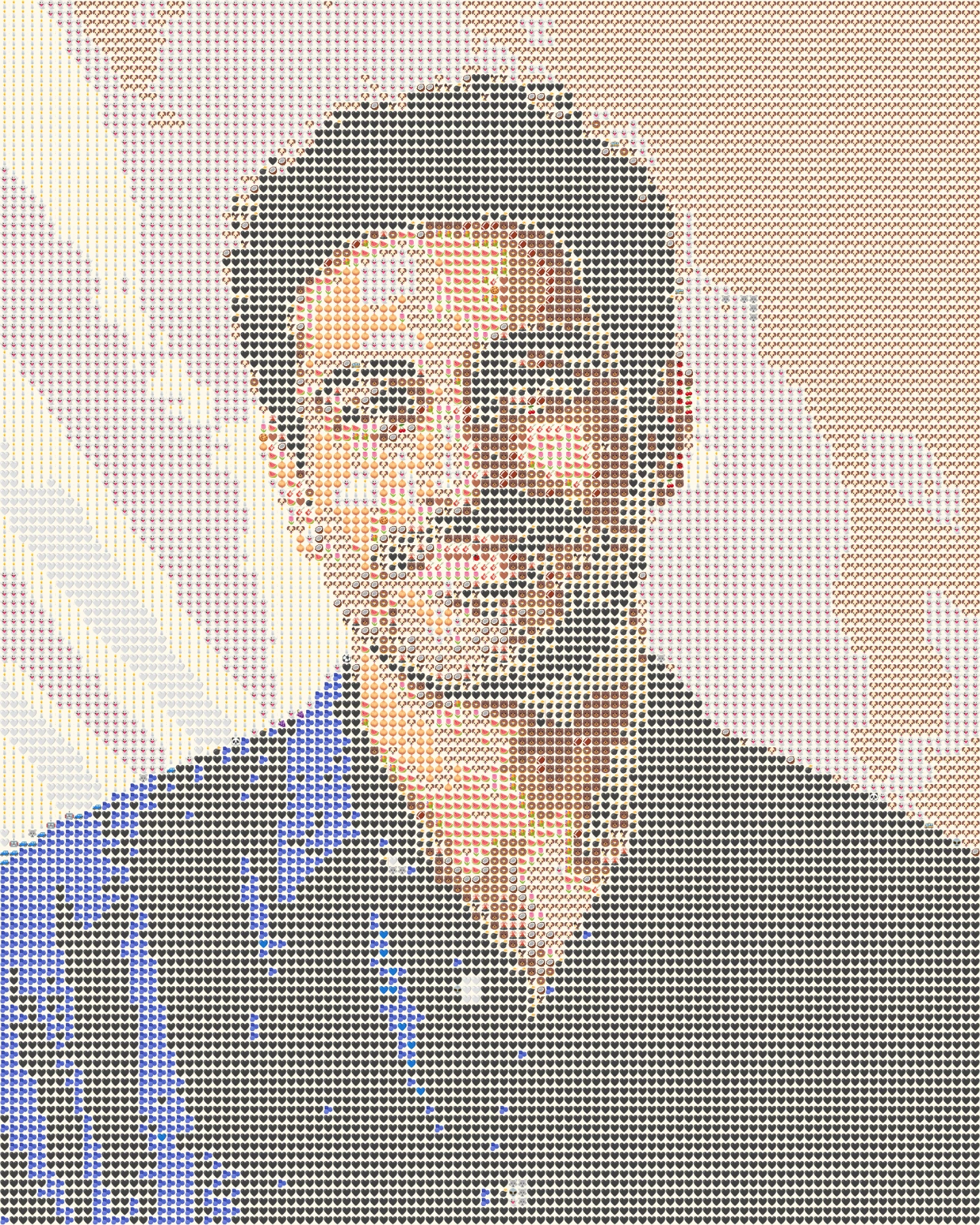
Make a square emoji portrait that still looks like you at profile size.
Explore this style ↗ Original
 Emoji art
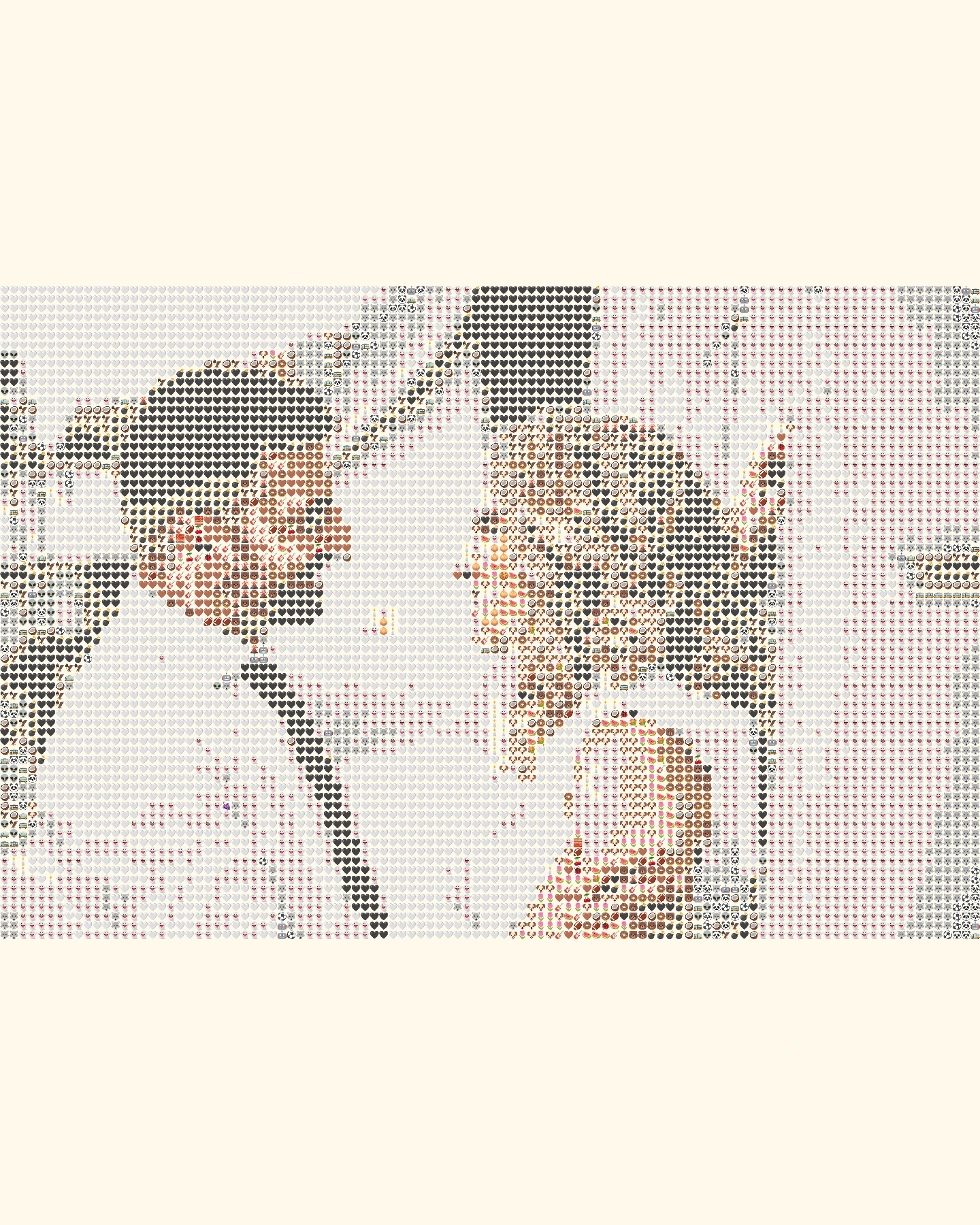
Turn a face photo into a detailed 4:5 emoji portrait.
Explore this style ↗Original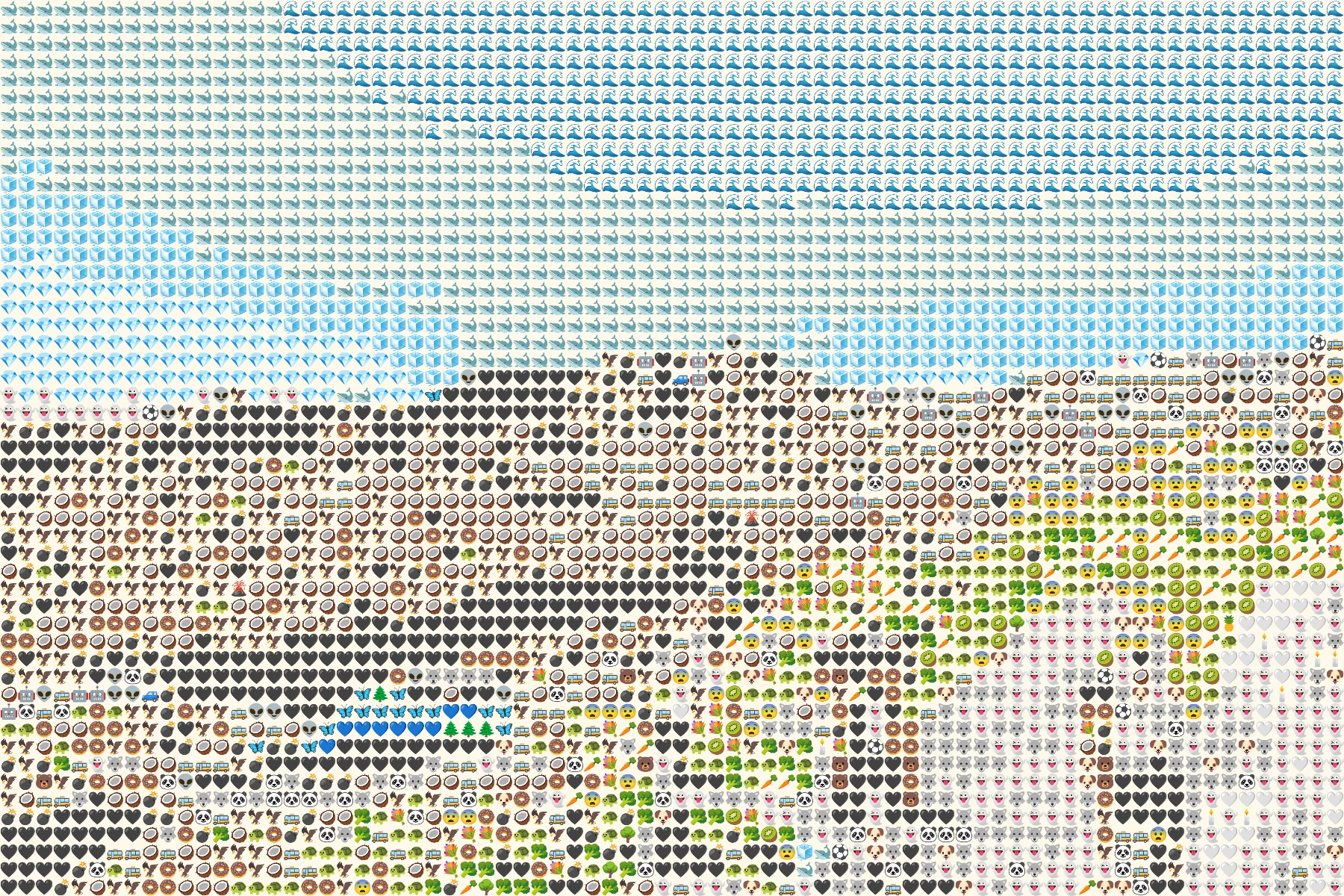 Emoji art
Build an emoji mosaic from landscapes, objects, and everyday scenes.
Explore this style ↗How it works
- 1Choose a photo
Use a JPG, PNG or WebP file up to 10 MB, or try one of our samples.
- 2Shape the mosaic
Switch between Grid, Texture and Chart, then set the amount of detail.
- 3Save your PNG
Compare it with the original and download your finished image.
Choose a photo that works
Choose a photo or one of our samples, then build a mosaic from a locally bundled set of emojis. Grid keeps shapes crisp, Texture loosens the pattern, and Chart reveals the color blocks behind each tile. Every adjustment is drawn on your device.
- Start with a clear subject and even light. High contrast helps small emoji tiles describe the shape.
- Keep important faces or objects away from the frame edge when choosing a square or poster format.
- Try lower detail for a bolder pattern and higher detail when a face needs more definition.
Frequently Asked Questions
Is Photo From Emoji really free?
Yes. You can create and download PNG images without a subscription, account, or watermark.
Do you upload my photos to a server?
No. The photo you choose is decoded and converted in your browser. The site does not send its image bytes to our server.
What image formats can I use?
JPG, PNG, and WebP files up to 10 MB are supported. HEIC is not supported in this version.
Why does higher detail take longer?
Higher detail creates more sampling blocks and draws more individual emoji tiles.