Made from your photo
Emoji Poster Generator from Photos
Make a vertical 2:3 emoji image for a digital poster.
This preset places the entire photo on a tall cream canvas and uses Texture style for a looser collage feel. It creates a graphic image for digital use; it does not add typography or claim professional print resolution.
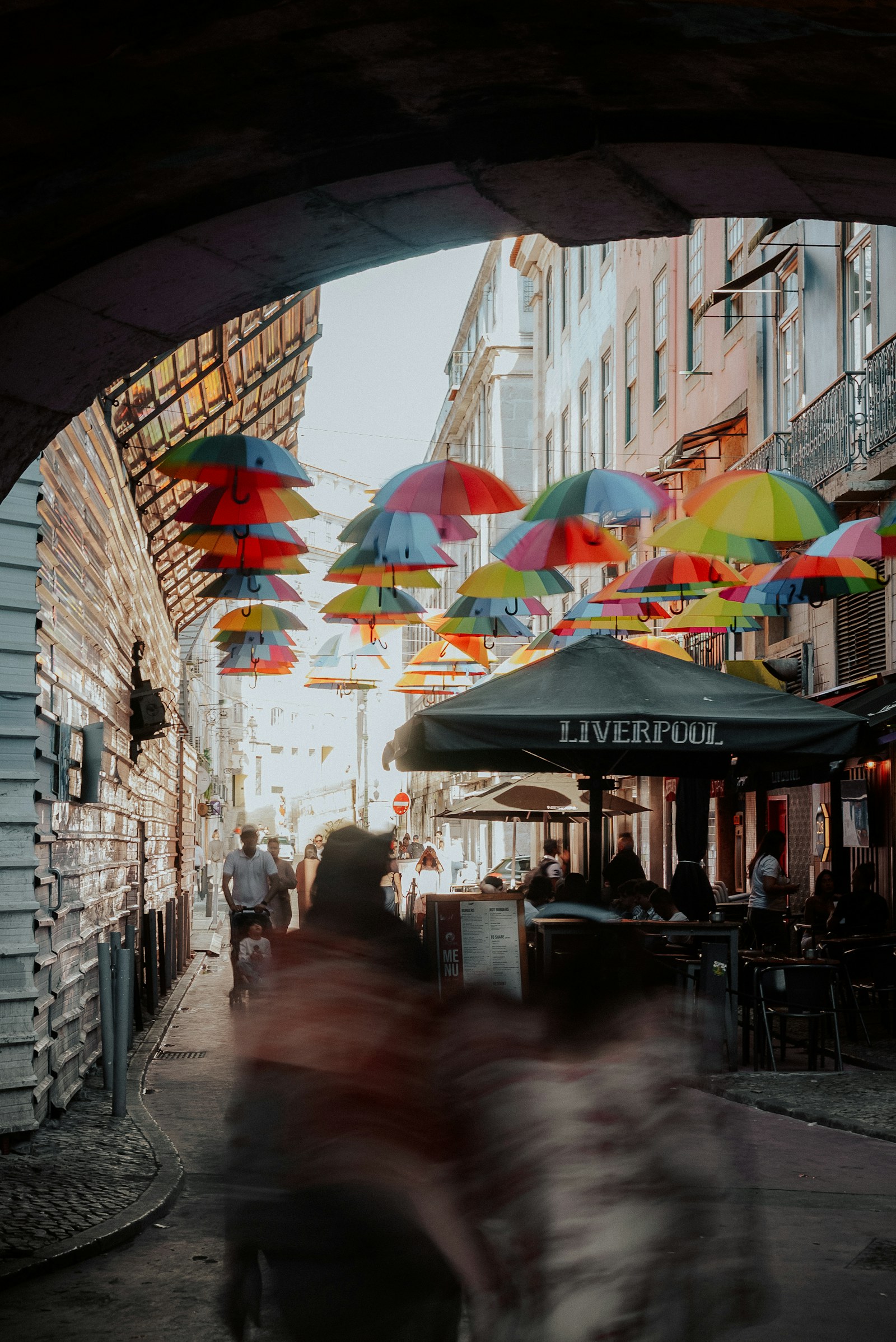
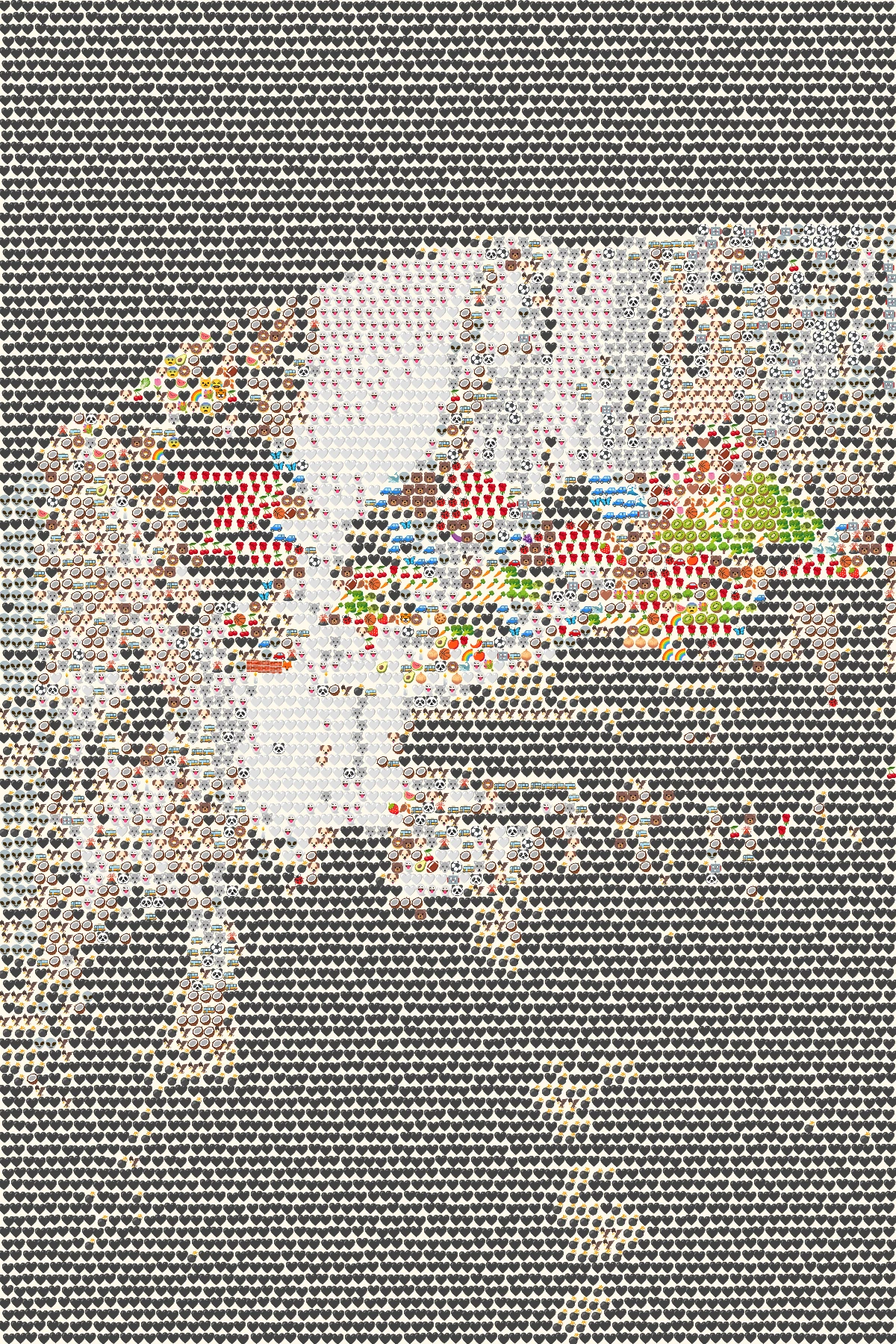 OriginalEmoji art
Create your own
Make it yours
Choose a photo and make emoji art right in your browser.
No photo? Try one of these.
JPG, PNG, WebP · Max 10 MB · No photo upload
Your result
PNG · No watermarkStyle
No watermark. Saved directly from your browser.
Sample before and after
OriginalEmoji artSee the preset in action
One tall street scene and one wide landscape show how the 2:3 frame treats different source proportions.
OriginalEmoji artThe umbrella pattern becomes a textured vertical graphic.
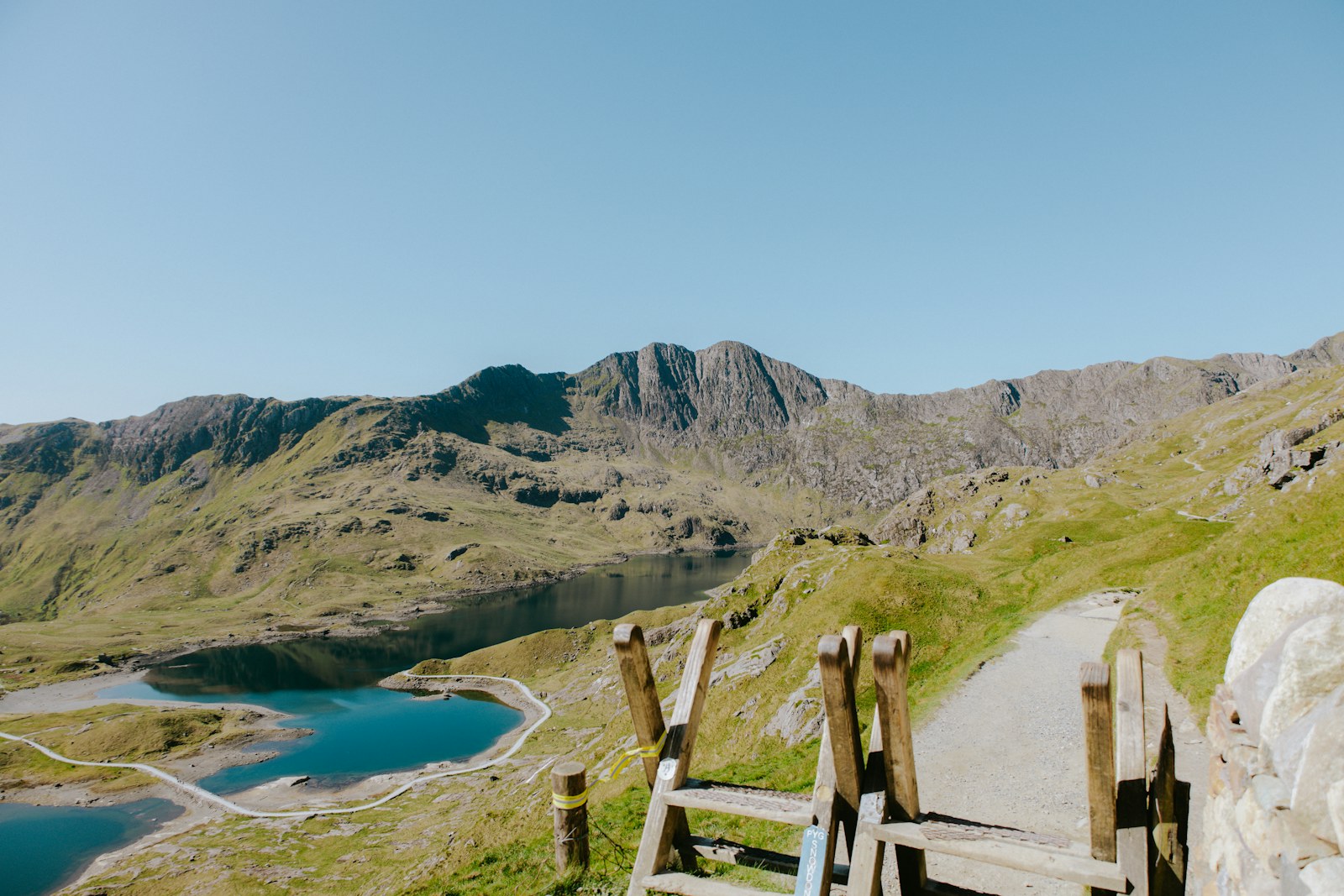 Original
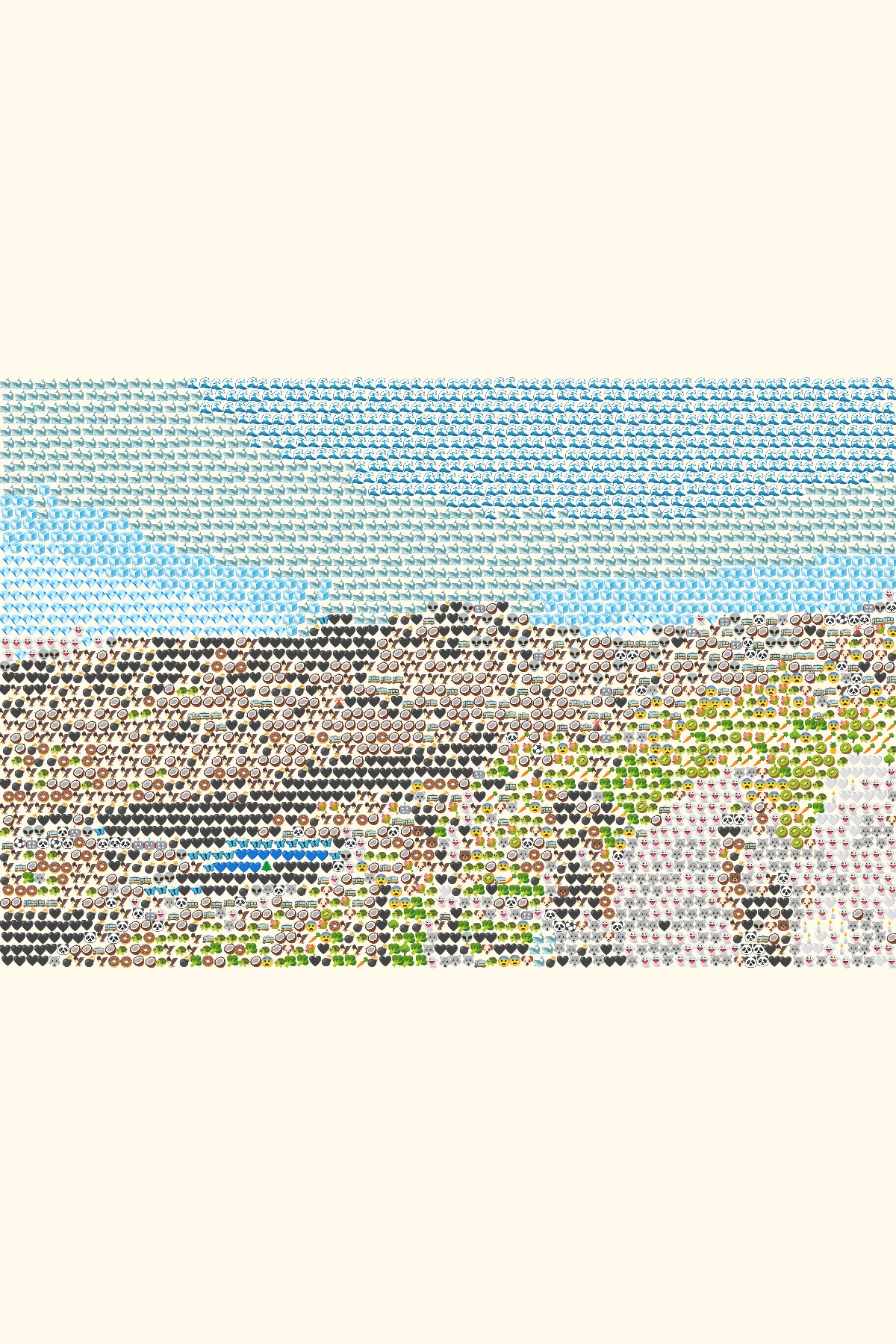 Emoji art
The whole landscape remains visible with cream space above and below.
How it works
- 1Choose a photo
Use a JPG, PNG or WebP file up to 10 MB, or try one of our samples.
- 2Shape the mosaic
Switch between Grid, Texture and Chart, then set the amount of detail.
- 3Save your PNG
Compare it with the original and download your finished image.
Photo tips for this style
A few small choices can make the subject easier to recognize.
- Pick a strong central subject with room above or below for the 2:3 frame.
- A wide photo will show cream space in the tall canvas instead of losing content to a crop.
- Keep important details large; a poster viewed at a distance needs bold shapes.
Frequently Asked Questions
Can I add words or a title to the poster?
Not in this version. Download the PNG and add text in a separate design tool if you need it.
Will a wide photo be cropped?
No. The image fits inside the 2:3 canvas, and cream space fills the unused area.
Is the PNG suitable for large professional printing?
The default export is intended for digital use and has a longest edge of up to 1800 pixels.