Made from your photo
Emoji Couple Photo Maker
Keep two faces and a favorite moment together in one mosaic.
A couple photo asks each face to share the available tiles. This taller 4:5 preset begins at detail 5 so expressions remain visible while the full image stays in frame. The original photo is never automatically cropped.
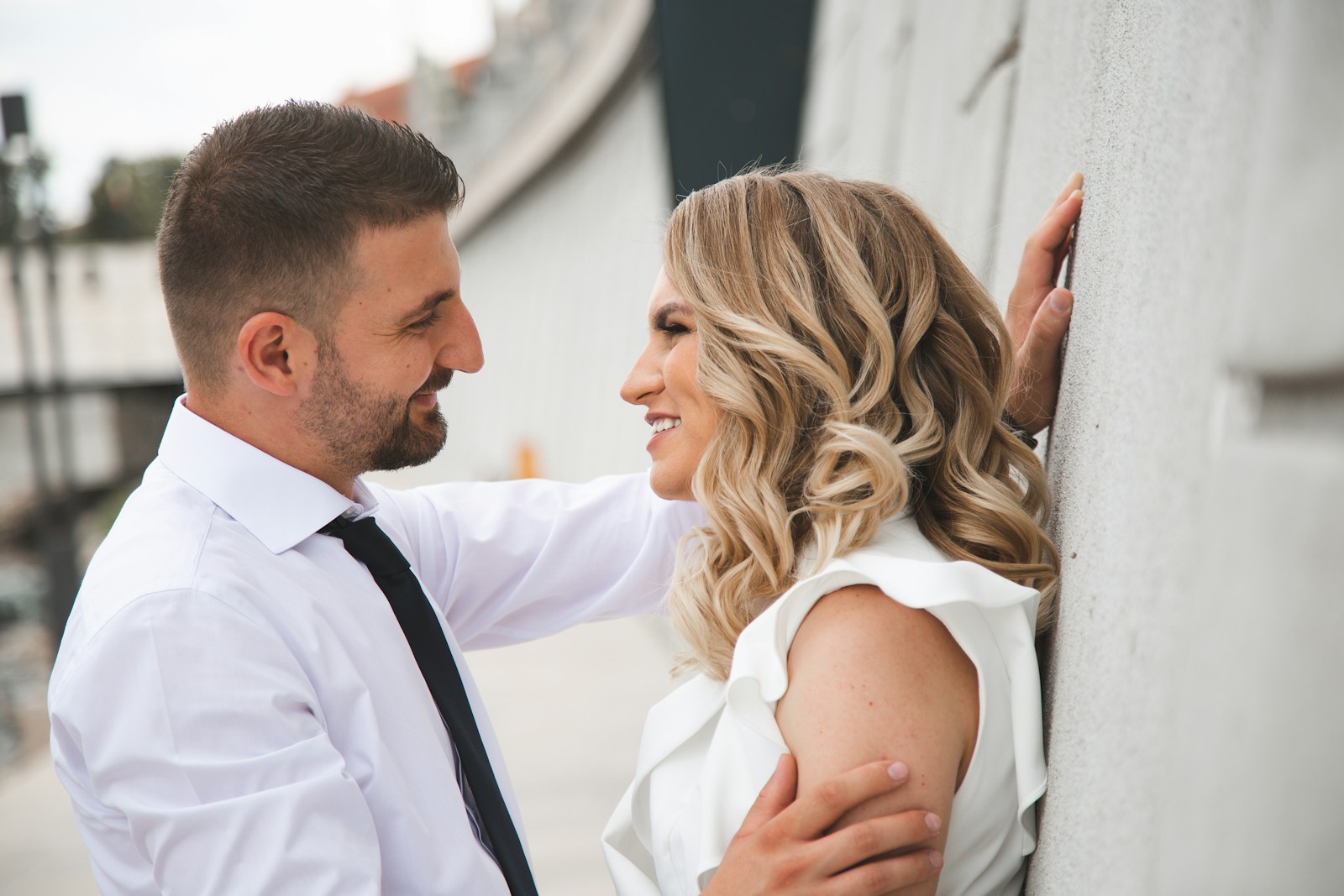
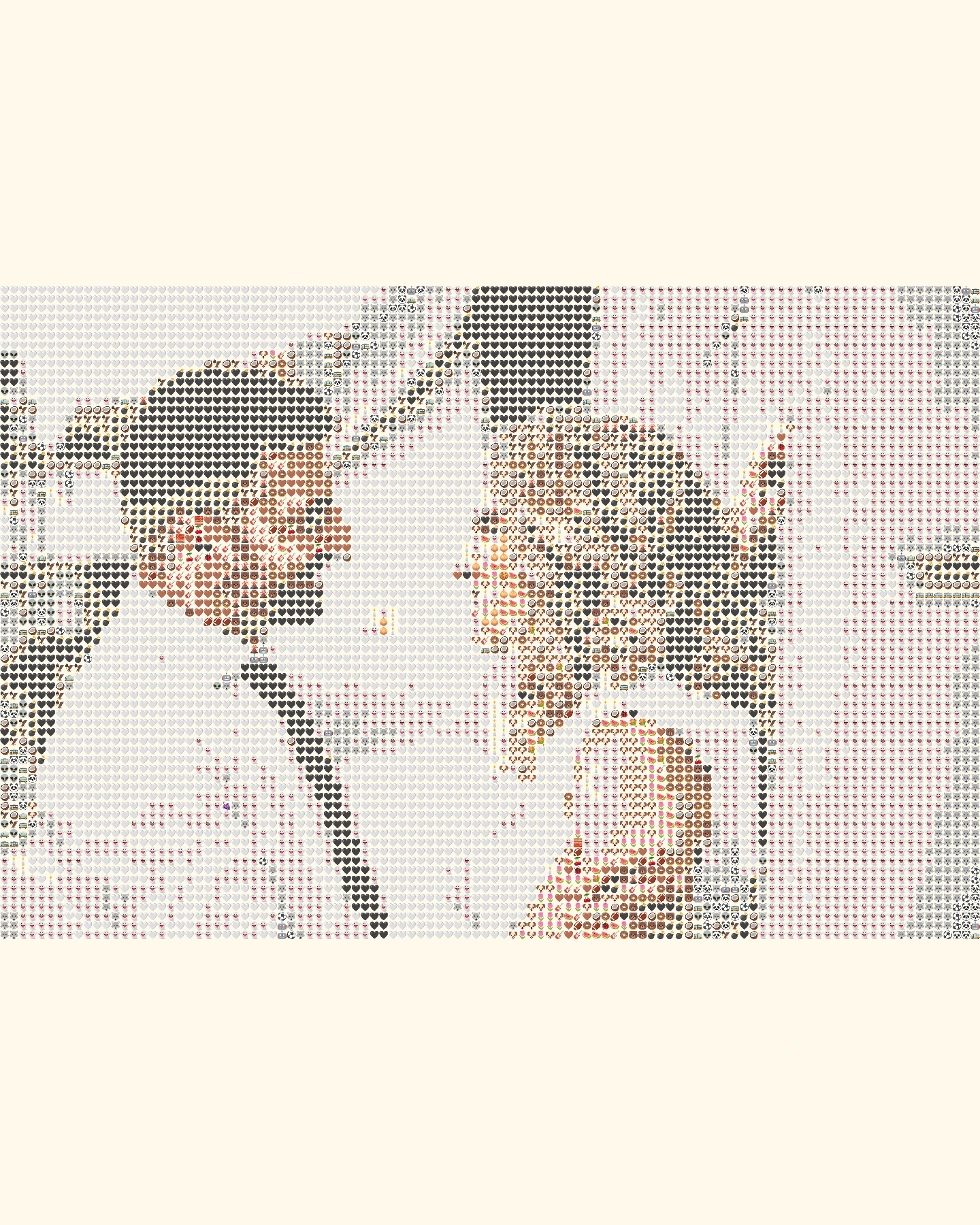 OriginalEmoji art
Create your own
Make it yours
Choose a photo and make emoji art right in your browser.
No photo? Try one of these.
JPG, PNG, WebP · Max 10 MB · No photo upload
Your result
PNG · No watermarkStyle
No watermark. Saved directly from your browser.
Sample before and after
OriginalEmoji artSee the preset in action
Two different compositions show how the preset keeps both people in view.
OriginalEmoji artThe two faces are separated by light and a simple background.
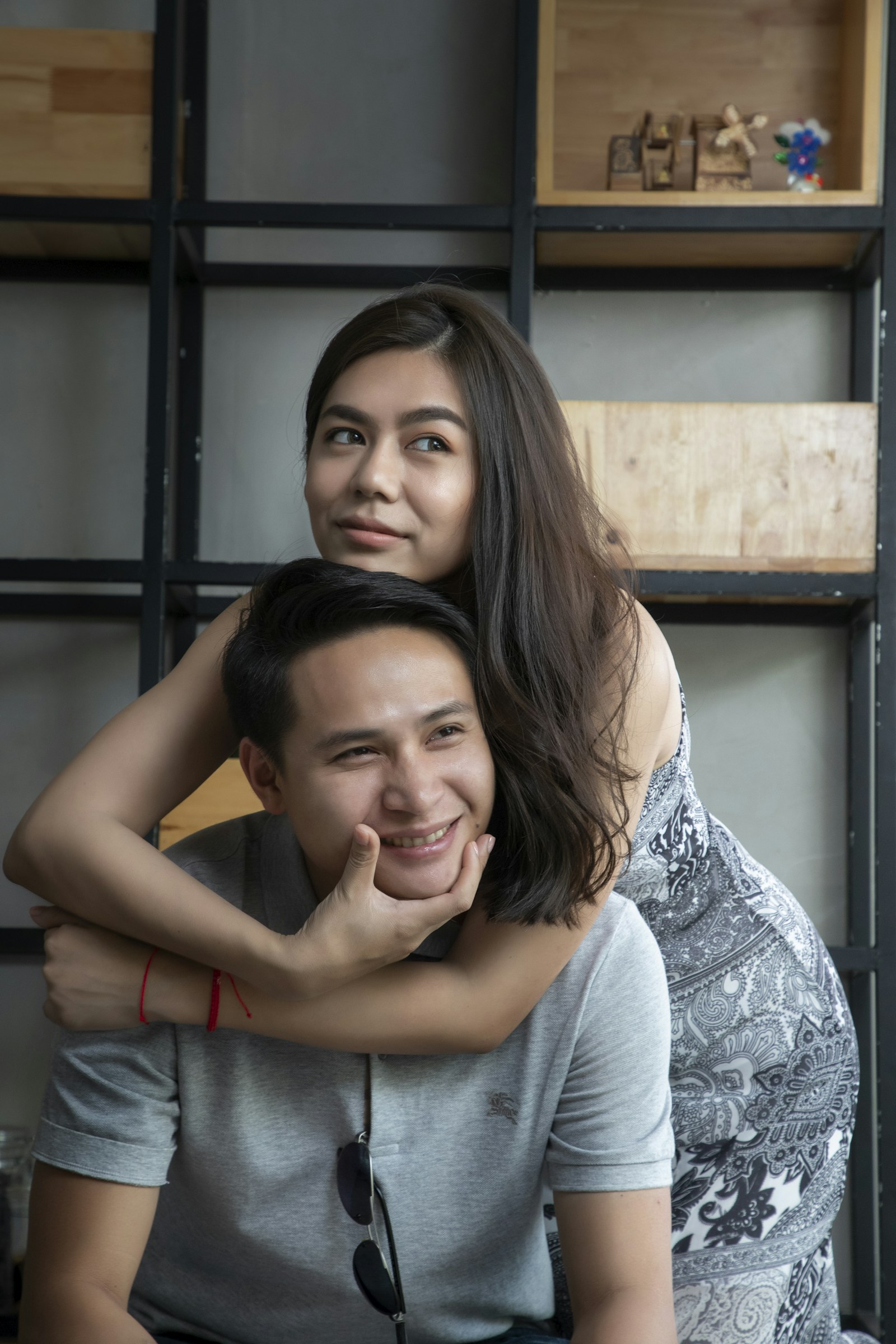 Original
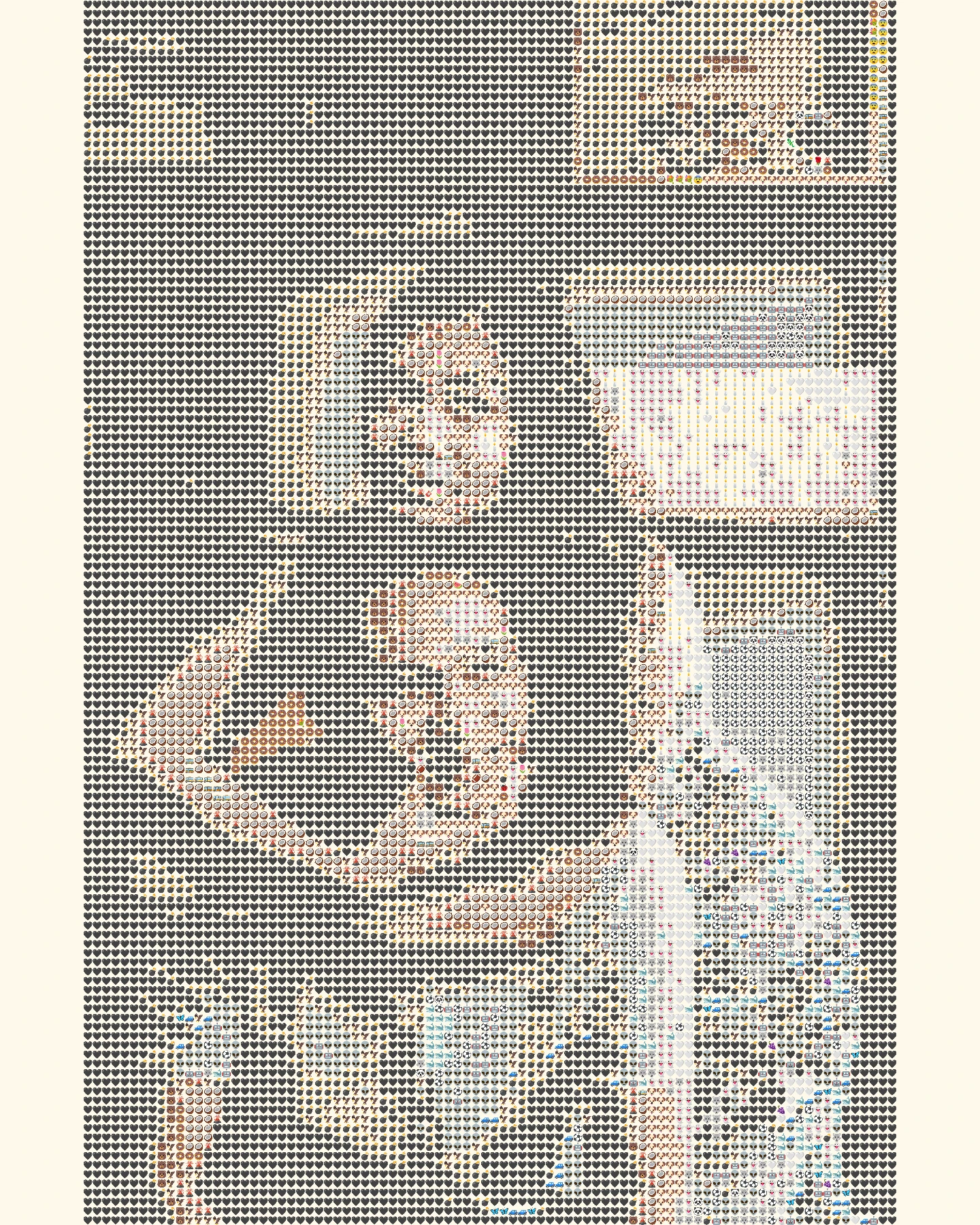 Emoji art
Higher detail gives the overlapping faces more tiles to work with.
How it works
- 1Choose a photo
Use a JPG, PNG or WebP file up to 10 MB, or try one of our samples.
- 2Shape the mosaic
Switch between Grid, Texture and Chart, then set the amount of detail.
- 3Save your PNG
Compare it with the original and download your finished image.
Photo tips for this style
A few small choices can make the subject easier to recognize.
- Choose a photo where both faces are similarly sharp and well lit.
- Leave space around the outer shoulders; a tightly packed frame makes the two silhouettes merge.
- If the background is busy, compare Grid with Chart before downloading.
Frequently Asked Questions
Why is detail 5 the default here?
Two faces share the image, so smaller blocks can preserve more of each person's expression.
Will it crop one person to make a 4:5 image?
No. It scales the whole source photo to fit and fills any remaining space with cream.
Can a group photo work?
It can, but faces may become harder to recognize as each person gets fewer emoji tiles.